Lead Management
Leads, customers, status, source, notes, and next actions.
Lead & Customer Management System
A CRM software direction for leads, customers, follow-ups, notes, statuses, team ownership, reminders, and business pipeline visibility.
Leads
Capture, assign, qualify, and track customer enquiries.
Follow-up
Notes, reminders, status, and ownership visibility.
Pipeline
Better clarity on sales progress and team activity.
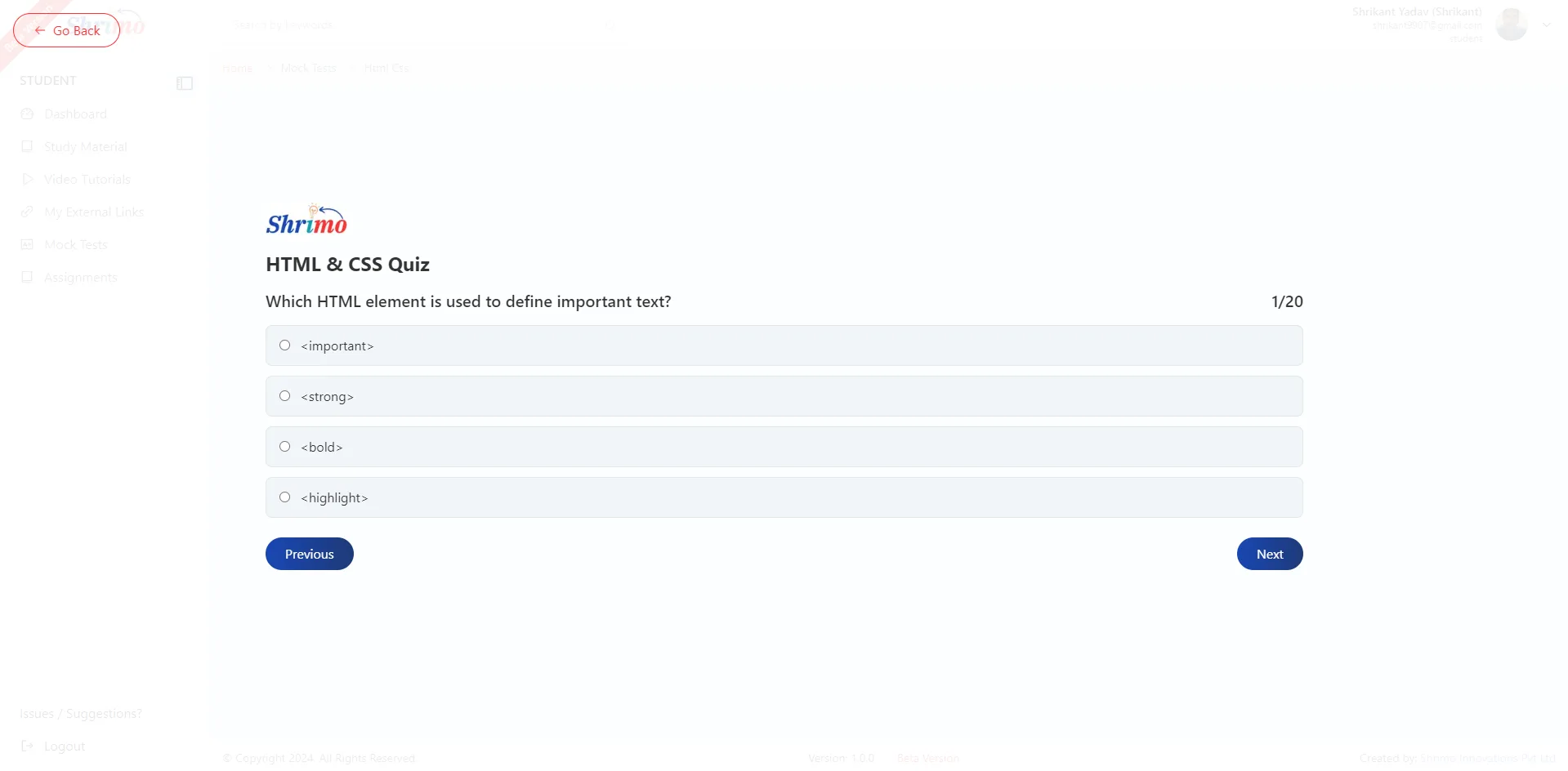
Shrimo CRM software is a customizable sales and customer management system that consolidates inbound leads, interaction history, follow-up schedules, and deal stages into a unified dashboard. It eliminates lead leakage across WhatsApp, phone calls, and spreadsheets while providing management with real-time conversion visibility.
Sales Software
CRM software helps teams stop losing leads across calls, WhatsApp, spreadsheets, and memory. It gives a cleaner place to track customer conversations and next actions.
Useful for
Sales teams
Service businesses
Real estate teams
Education and admission teams
Core modules
Each product page is linked with related services and industries so visitors can move from idea to implementation without confusion.
Leads, customers, status, source, notes, and next actions.
Follow-up stages, activity summaries, filters, and reporting direction.
Assign leads, manage access, and keep accountability clear.
Fields, statuses, sources, and follow-up rules shaped around your sales process.
Product flow
We start with the smallest useful version, then improve modules once the workflow is clearer.
We understand how leads come in and how your team follows up.
We define fields, statuses, roles, reports, and first version modules.
We develop lead, customer, follow-up, and dashboard workflows.
We refine reports and workflows after the team starts using the CRM.
Product detail
A CRM keeps leads, customer notes, statuses, follow-ups, and team ownership clear so work does not depend on scattered messages.
Product detail
The system can match how your team qualifies leads, assigns work, follows up, and measures progress.
Competitor benchmark
This page is structured around the live-search benchmark for custom CRM software development India: product clarity, workflow depth, risk reduction, integration options, and measurable business outcomes.
Top CRM competitors show lead capture, contact records, deal stages, reminders, follow-ups, sales dashboards, and team visibility.
Strong pages explain CRM workflows for real estate, education, healthcare, services, ecommerce, and field sales instead of presenting one generic CRM.
Competitive CRM pages clarify email, WhatsApp, website forms, ERP, accounting, reporting, and data ownership so buyers know what will connect after launch.
Scope planning
A strong product page should help buyers understand what can launch first, what can wait, and what becomes useful after real users start using the system.
Lead forms
Customer records
Pipeline stages
Follow-up reminders
Team assignments
WhatsApp/email links
Sales reports
Import/export
ERP/accounting integration
Automation
Mobile CRM
Advanced dashboards
Use cases
Sales teams
Service businesses
Real estate teams
Education admission teams
Risk control
Duplicate lead control
Role access
Activity logs
Data export
Measurement
Lead response time
Follow-up completion
Conversion rate
Pipeline value
Lost reason tracking
Implementation readiness
Before writing code, we clarify users, permissions, reports, integrations, data ownership, launch support, and the smallest version that can create value.
We document roles, screens, forms, approval steps, dashboards, and the real-world process this product must support.
We define who can create, edit, approve, export, delete, and view sensitive records before the product goes live.
We identify payment, WhatsApp, email, analytics, accounting, inventory, CRM, LMS, HR, or third-party systems needed for the product.
We plan deployment, testing, training, maintenance, backups, and the first improvement cycle after users begin using the product.
References
These references are included to improve trust and help buyers understand standards, search visibility, compliance, or platform expectations connected to this product type.
Related services
These services explain the design, development, SEO, deployment, or support work usually needed for this type of product.
Website and marketing support
Product pages should not be isolated. These supporting pages help visitors connect software, websites, SEO, AEO, GEO, digital marketing, and local visibility without creating keyword conflicts.
Related industries
Product planning becomes stronger when it reflects the workflows and expectations of the target industry.
Explore more products
These related products help visitors discover connected systems instead of reaching a dead end.
Project enquiry
Tell us who will use the product, what workflow it should support, and what version you want to launch first.
Prefer direct contact?
Live product proof
These live platforms prove Shrimo's experience in local SEO, product UX, dashboards, directories, utility tools, digital profiles, WhatsApp/contact actions, and scalable website systems.
Live product · Local Discovery Platform
A live local business discovery platform for Narmadapuram with city pages, category discovery, business listings, add-business flow, directions, local guide sections, and advertising paths.
What it proves
Shows Shrimo can build city-scale local SEO systems, business directories, category pages, listing profiles, local guides, and lead/discovery flows for real users.
Local business directory platforms
City/category SEO systems
Listing, lead, direction, and advertising workflows
Live product · Online Utility Platform
A live utility and local-service website for document, photo, printing, and cyber-cafe style workflows, whose Passport Size Photo Maker tool ranks in Google's top 5 results for its target keyword.
What it proves
Shows experience with tool pages, local service SEO, mobile utility UX, fast task completion, and India-wide searchable workflows, backed by a real top-5 Google ranking.
Utility tool websites
Cyber cafe and local service pages
SEO-friendly task pages
Live client store · Retail E-Commerce
A live retail e-commerce website for Narmadapuram's toys, handcrafted gifts, and stationery showroom featuring instant search, custom frame sizes, WhatsApp ordering, and local delivery.
What it proves
Shows Shrimo delivers high-speed retail e-commerce stores with localized instant search, mobile checkout, and direct customer communication channels.
Retail store e-commerce websites
Gift and toy store shopping portals
WhatsApp-integrated checkout and local delivery
Live product · Digital Profile Product
A live digital visiting card and profile platform for professionals, businesses, QR sharing, WhatsApp sharing, and lead-ready profile pages.
What it proves
Shows product thinking around profile pages, contact actions, QR/WhatsApp flows, mobile-first design, and reusable SaaS-style business pages.
Digital visiting cards
Profile and QR sharing systems
WhatsApp-first lead generation
Live marketplace · Digital Products Marketplace
Shrimo's official digital marketplace for purchasing ready-to-use static website templates, WordPress themes, web plugins, and downloadable Windows desktop software with instant delivery.
What it proves
Shows Shrimo engineers commercial e-commerce storefronts, digital asset checkout workflows, customer software license accounts, and downloadable utility software.
Digital products and template stores
Software license and invoice portals
Downloadable software and ready templates
FAQs
Short answers about scope, customization, launch, and how the product can fit your business.
CRM Software is used as a practical software or website foundation for teams that want to digitize a real business workflow. It can support enquiry collection, role-based access, records, reports, dashboards, and customer or staff-facing actions depending on the final scope.
Yes. CRM Software can be customized around your industry, users, branding, forms, modules, dashboards, integrations, and approval flow. We treat the product page as a strong starting direction, then shape the final version around your real process.
Yes. We usually recommend launching the smallest useful version first. For example, the first release can include the most important screens, forms, admin controls, and reports, then advanced modules can be added after real users start using it.
A ready-made SaaS tool is faster to start but may force your team to follow fixed workflows. A custom CRM Software build can match your process, data ownership needs, branding, integrations, permissions, and future roadmap more closely.
We need to know who will use it, what records or content it should manage, what actions users must complete, which reports matter, what integrations are required, and what version should launch first.
Yes. We can plan owner, admin, staff, manager, customer, student, parent, doctor, agent, or other role types depending on the product. Permission planning is important before launch so sensitive data and actions stay controlled.
Yes. Depending on the product type, it can connect with payment gateways, WhatsApp links or APIs, email notifications, analytics, CRM, accounting tools, inventory systems, LMS modules, HR systems, or other third-party services.
Yes. We can help with bug fixes, updates, backups, deployment support, feature improvements, SEO checks, analytics review, and ongoing maintenance after launch.
Yes. The product should be designed for mobile, tablet, and desktop usage. For many businesses, mobile access is essential because staff, customers, parents, patients, agents, or owners may use the product away from a desk.
Success should be measured by real outcomes such as enquiries, saved time, fewer manual errors, faster follow-ups, better reporting, higher form completion, improved customer experience, and adoption by the people who use the product daily.
NEXT STEP
Tell us about your users, workflow, and current process. We will help you shape the right product scope.